How to Prevent Cabinet Overheating in Panels
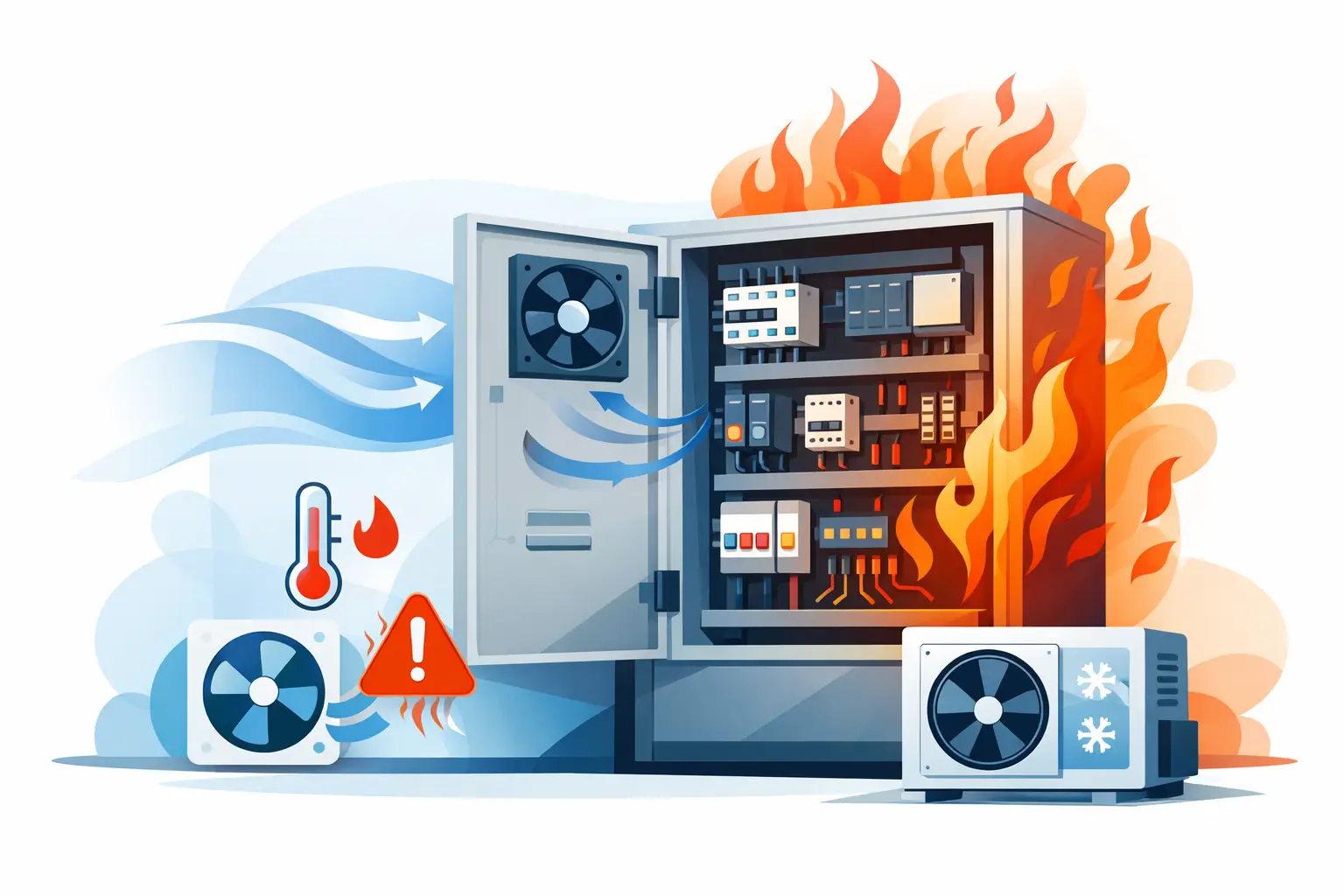
A control cabinet that runs hot rarely fails all at once. It starts with intermittent drive faults, PLC communication errors, shortened power supply life, or nuisance trips during the warmest shift. Knowing how to prevent cabinet overheating means treating the enclosure as a thermal system, not simply adding a fan after problems appear. Component heat loss, ambient conditions, enclosure construction, panel layout, and maintenance all affect the result.
For maintenance teams and panel builders, the objective is straightforward: keep every device within its specified operating temperature while preserving the enclosure rating required by the application. The correct solution may be better layout, filtered ventilation, a heat exchanger, enclosure air conditioning, or a combination of measures. It depends on the heat load and the environment outside the cabinet.
Start With the Actual Heat Load
The nameplate current of a component does not tell you how much heat it releases into an enclosure. Heat is generated by losses in power supplies, variable frequency drives, servo drives, transformers, contactors, circuit protection, network equipment, and PLC power circuits. Devices operating near their rated load usually produce more heat than devices with substantial capacity margin.
Begin with manufacturer data for each heat-producing component. Many industrial suppliers publish watts of heat loss or power dissipation by operating condition. Add the expected losses for equipment that will run at the same time, rather than adding every installed device at its maximum value if that operating state cannot occur. For a cabinet with multiple drives, account for duty cycle, motor loading, line voltage, switching frequency, and regenerative operation where applicable.
Do not overlook smaller loads. An industrial Ethernet switch, 24 VDC power supply, touchscreen interface, and several relay banks may each contribute modest heat, but together they can push a compact enclosure beyond its thermal limit. If the panel is being retrofitted, measure the actual internal temperature during production rather than relying only on original design assumptions.
Verify Ambient Temperature and Enclosure Limits
A cooling device cannot make an enclosure operate below the conditions it was designed to handle. A filtered fan exchanges air with the surrounding area, so cabinet temperature will remain above the ambient temperature outside the enclosure. If the cabinet sits beside an oven, under a roof in direct summer sun, or in a poorly ventilated electrical room, ventilation alone may not provide enough cooling.
Check the highest expected ambient temperature at the cabinet location, not the building thermostat setting. Heat can build up near ceilings, inside machine frames, and along process lines. Also check whether adjacent cabinets exhaust warm air toward the enclosure intake.
Compare that ambient condition with the permissible temperature range for the most temperature-sensitive installed device. PLCs, I/O modules, managed switches, safety controllers, and drives may have different limits. The enclosure air temperature is only one concern: localized hot spots around drives or power supplies can be significantly higher.
Account for derating
Many components require current or output derating above a stated ambient temperature. A drive that performs correctly at 104°F may need reduced output at higher temperatures. Power supplies and circuit breakers can also have reduced capacity. Review the data sheet for each critical component before deciding that a measured cabinet temperature is acceptable.
Improve Panel Layout Before Adding Cooling
Good layout reduces hot spots and makes cooling equipment more effective. Place high-loss devices where heat can rise without passing directly over temperature-sensitive controls. Drives, transformers, braking resistors, and larger power supplies generally belong lower in the cabinet or in a separated power section when the enclosure design allows it. PLC racks, communication modules, and low-voltage signal devices are better positioned away from these heat sources.
Maintain the clearance specified by the equipment manufacturer above, below, and beside each device. Drives and power supplies often depend on vertical airflow through their heatsinks. Tight stacking may save enclosure space but can cause one device to discharge hot air directly into the intake path of another.
Wire duct placement matters as well. Oversized duct packed with conductors can block natural convection and prevent service access. Keep vertical airflow paths open, route heat-sensitive cable away from high-temperature equipment, and use physical separation between power and control sections where practical.
If a cabinet design is already crowded, moving one large drive to a separate enclosure can be more dependable than trying to force enough cooling into an undersized panel. This adds hardware and installation cost, but it can simplify future maintenance and reduce the risk of heat-related failures.
Choose the Right Method to Prevent Cabinet Overheating
Cooling selection should follow the enclosure environment and required protection rating. There is no single device that fits every panel.
Filtered fans for clean, cooler areas
Filtered fan systems are practical when surrounding air is clean enough to introduce into the enclosure and remains cooler than the desired internal temperature. A typical arrangement uses filtered intake air low on the enclosure and exhaust air high on the opposite side. This supports the natural rise of warm air and creates a defined airflow path across heat-producing devices.
Fan capacity must exceed the calculated heat load at the available temperature difference. A fan with a high free-air rating may deliver much less airflow once filters, louvers, and cabinet restrictions are added. Size using the manufacturer’s performance data and allow for filter loading over time.
Filtered ventilation is generally not appropriate where the air contains oil mist, conductive dust, corrosive vapor, washdown moisture, or significant airborne contamination. A clogged filter can turn a correctly sized fan system into a heat problem within weeks.
Air-to-air heat exchangers for dirty environments
A closed-loop air-to-air heat exchanger transfers heat between cabinet air and ambient air without mixing the two streams. This helps preserve enclosure separation from dirty plant air. It works only when the ambient air is sufficiently cooler than the desired enclosure temperature, so it may not solve problems in very hot production areas.
Enclosure air conditioners for high ambient heat
Enclosure air conditioning is often necessary when outside ambient temperature approaches or exceeds the allowable internal temperature, or when the application requires a sealed cabinet. It provides the greatest temperature control, but it also requires proper condensate management, electrical protection, preventive maintenance, and adequate clearance for condenser airflow.
Oversizing an air conditioner can cause frequent cycling and poor humidity control. Undersizing creates continuous operation with little temperature reduction. Select capacity based on enclosure heat loss, ambient temperature, solar load if applicable, enclosure surface characteristics, and the desired internal setpoint.
Maintain the Cooling System as Production Equipment
Fans, filters, heat exchangers, and air conditioners need inspection schedules. A filter that looks only lightly dirty can still restrict airflow enough to reduce cooling performance. Inspection frequency should reflect the plant environment. A cabinet in a clean packaging area may need periodic checks, while an enclosure near machining, powder handling, or paper dust may need attention far more often.
During routine maintenance, verify that fans rotate freely and move air in the intended direction. Check louvers for blockage, clean heat exchanger surfaces, inspect air conditioner condensate drains, and look for damaged door gaskets. A poor door seal allows unfiltered air into the cabinet and defeats a closed-loop cooling approach.
Record cabinet temperatures before and after maintenance. Trends are useful because a gradual temperature increase can reveal a blocked filter, declining fan performance, increased process load, or a newly added device before an alarm becomes a downtime event.
Use Temperature Monitoring Where Failure Has Consequences
For cabinets supporting critical production equipment, temperature monitoring is a low-cost way to identify thermal problems early. Install the sensor where it represents the warmest operating area, not only near the cabinet door. In larger panels, more than one sensor may be justified, particularly near drive sections and PLC or network equipment.
Set alarms below the maximum device temperature. The goal is to give maintenance time to respond, not to alert only after components have already exceeded their ratings. A warning alarm can prompt filter service or load review, while a higher alarm can trigger a controlled process response if required.
Where the control system has available inputs, trend enclosure temperature alongside drive load, ambient temperature, and cooling-device status. That information makes it easier to distinguish a failed fan from a legitimate increase in process heat.
Check Changes Before They Create a Heat Problem
Cabinet overheating often begins after an otherwise routine modification. Adding a VFD, larger power supply, network switch, remote I/O rack, or control transformer changes the enclosure heat balance. Review thermal capacity whenever equipment is added, load increases, or the cabinet location changes.
Use exact manufacturer specifications for replacement components and cooling equipment. Similar-looking parts can have different heat dissipation, clearance requirements, operating limits, and enclosure cutout dimensions. For replacement projects, keeping the part number, electrical ratings, and mounting constraints aligned avoids solving one problem while creating another.
A cabinet should have thermal margin, not just enough cooling for a mild day at normal production load. Design and maintain that margin, and the enclosure is more likely to support stable operation through seasonal heat, heavier production schedules, and future control upgrades.