
PLC Hardware Selection for Reliable Plant Uptime
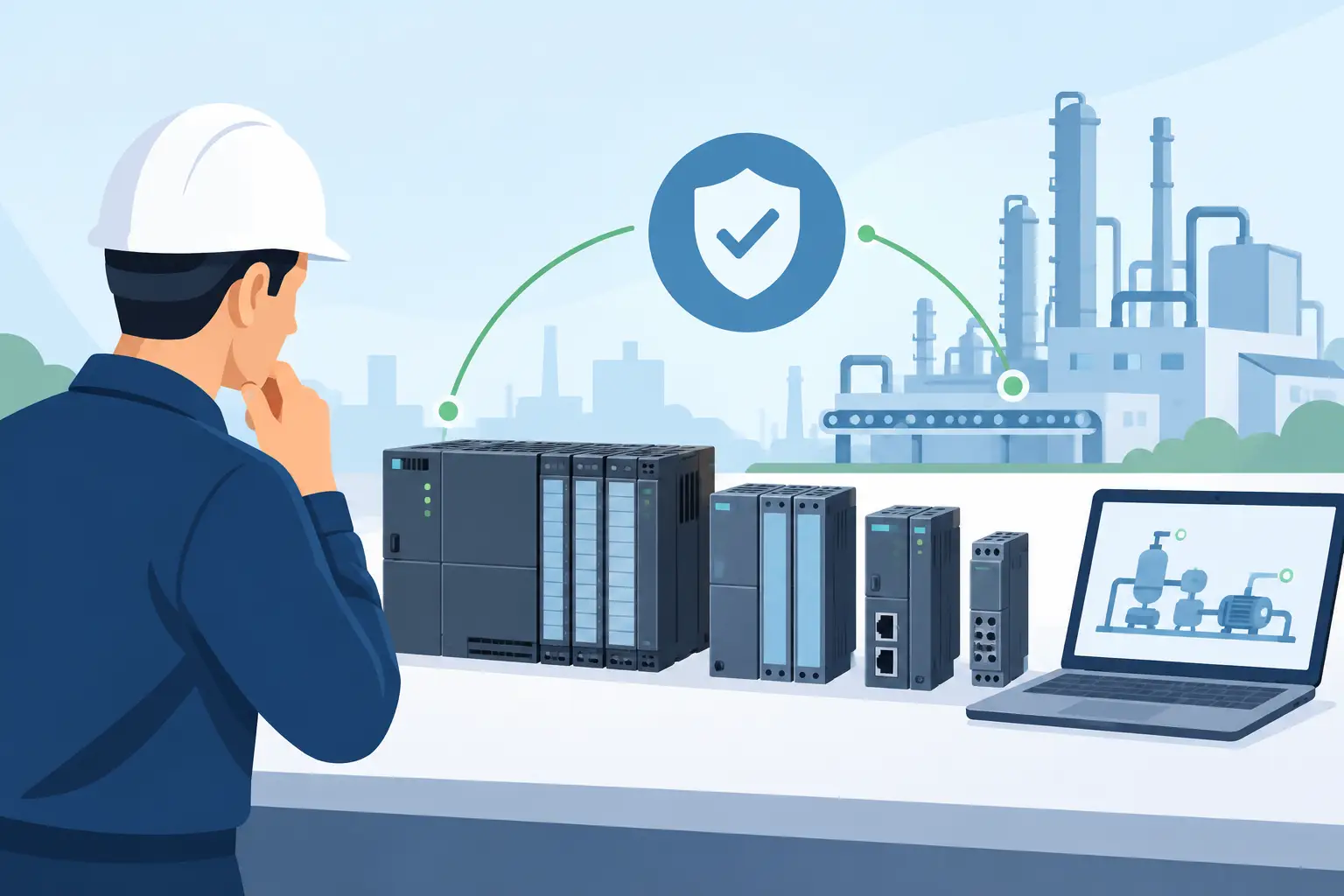
A failed CPU, damaged I/O module, or unavailable power supply can stop a machine long before a maintenance team has time to debate platform strategy. PLC hardware decisions are often made under that pressure, especially when an existing control system needs an exact replacement. The fastest route back to production is not choosing the newest component. It is identifying the correct part number, confirming compatibility, and sourcing equipment that fits the installed system.
For plant engineers, maintenance managers, panel builders, and procurement teams, the practical question is usually straightforward: what component will restore or support this control system without creating a new commissioning problem? Answering it requires more than matching a manufacturer name. PLC families contain variations in firmware, communication, mounting, voltage, memory, and I/O architecture that can affect whether a replacement works as expected.
Start With the Installed PLC Hardware
When replacing a failed component, use the installed part number as the primary reference. A controller family name is useful, but it is not enough for purchasing. Two CPUs from the same family may have different onboard I/O, program capacity, communication ports, power requirements, or software support. The same applies to digital input cards, analog modules, communication adapters, and power supplies.
Document the full manufacturer part number, including suffixes and revision identifiers visible on the label. Capture photographs of the module, rack position, terminal wiring, and surrounding components before removal when possible. This record helps confirm the replacement and reduces errors when reconnecting field wiring.
For a controller replacement, verify the processor model, memory card or battery requirements, firmware revision, programming software version, and network configuration. A physically compatible CPU may still require a project upload, firmware alignment, or communication settings before the machine can run. If the original controller is available, backing up the program and configuration before failure becomes a recovery task is a worthwhile maintenance practice.
Check the Entire Hardware Stack
A PLC is a system, not a standalone processor. The CPU depends on the correct power supply, rack or base unit, bus coupler, I/O modules, communication cards, and field connections. In compact platforms, expansion modules may only work in specified positions or require a particular base controller. In modular platforms, rack capacity, slot addressing, and backplane limits must be considered.
Before placing an order, compare the required component against the existing stack. Confirm supply voltage, module type, channel count, signal range, terminal style, and network interface. An analog input module specified for 4-20 mA service is not interchangeable with one intended for voltage signals unless the application and wiring support that change.
This is also where replacement decisions can become more complicated. A discontinued module may have an approved successor, but the successor might require a different terminal block, updated engineering software, or changes to the control program. That can be the right long-term move, but it should not be treated as a drop-in replacement without verification.
Match I/O to the Field Device, Not Just the Channel Count
I/O selection is one of the most common sources of avoidable compatibility problems. A module with the correct number of points can still be wrong for the application if its electrical characteristics do not match the sensors, actuators, transmitters, or safety circuit.
Digital inputs should be checked for voltage, sink or source configuration, input current, and isolation requirements. Digital outputs require similar attention, along with output type. Relay outputs handle different loads than transistor outputs, while AC and DC output modules are not interchangeable. Inductive loads such as contactors and solenoids may also need appropriate suppression to protect output circuitry.
Analog modules require a closer review. Confirm whether the field signal is current, voltage, resistance temperature detector, thermocouple, or another format. Check signal ranges, resolution, isolation, common reference requirements, and any required transmitter power. A 0-10 V signal and a 4-20 mA signal may represent the same process variable, but the hardware and wiring approach are different.
For critical machine functions, identify whether standard control I/O is sufficient or whether the application requires safety-rated hardware. Emergency stops, safety gates, light curtains, and safety relays or controllers must be selected and validated according to the machine safety design. Standard PLC I/O should not be substituted for safety hardware simply because the point count and voltage appear to match.
Consider the Electrical and Physical Environment
PLC hardware may operate reliably for years in a conditioned control room, then fail prematurely in a poorly sealed enclosure near washdown equipment, vibration, dust, heat, or electrical noise. The module itself is only part of the decision. The installation environment determines how much protection the system needs.
Review operating temperature, humidity, altitude, vibration, contamination, and enclosure conditions. In hot panels, power supplies and processors can be affected by inadequate ventilation or high internal temperatures. In areas with motor drives, welders, or large switching loads, grounding, shielding, separation of power and signal wiring, and surge protection deserve close attention.
Voltage quality is equally important. Confirm that the DC power supply has sufficient capacity for the CPU, I/O load, communication equipment, and inrush demand. Leave reasonable margin rather than sizing the supply exactly at the calculated normal load. A weak or unstable supply can create intermittent controller faults that look like programming or network problems.
If the replacement involves a power supply, match the input voltage range and output voltage, then calculate available current against the installed load. Some systems require separate field-power and logic-power arrangements. Replacing one supply with a similar-looking unit without reviewing its ratings can create a difficult-to-diagnose failure after startup.
Communications and Software Need Equal Attention
Modern control systems often depend on Ethernet-based communication, serial networks, remote I/O, operator interfaces, variable frequency drives, barcode readers, and safety devices. A replacement PLC module must support the installed network protocol and topology, whether that is EtherNet/IP, PROFINET, Modbus TCP, EtherCAT, CC-Link, or another industrial network.
Confirm port type, supported protocol, node addressing, device name requirements, and communication module compatibility. Networked replacements may need a configuration restore before they can rejoin the system. If the controller uses managed switches, remote racks, or ring topology, document those details before making changes.
Software licensing and version compatibility should also be checked before purchase. Some controller generations require specific engineering environments, and newer software may not fully support legacy hardware without updates. In a planned upgrade, that may be manageable. During a line-down repair, an exact compatible part can reduce commissioning time and uncertainty.
Buy for Recovery, Then Plan for Lifecycle Risk
There are two different purchasing situations: immediate replacement and planned modernization. Treating them as the same can cause delays.
For an immediate repair, the priority is typically an exact replacement or a confirmed compatible substitute that can return the existing machine to service with minimal changes. Verify manufacturer, part number, revision requirements, condition requirements, availability, and shipping timing. Keep records of what was installed and why, particularly if a substitution was approved.
For a planned upgrade, evaluate the broader cost of ownership. Consider current platform support, spare-part availability, software access, expansion capacity, cybersecurity requirements, and technician familiarity. A newer platform may provide better diagnostics and communications, but it may also require new programming tools, panel modifications, testing, and operator downtime.
Critical assets benefit from a documented spare-parts strategy. The best stocking level depends on lead time, failure history, production impact, and whether multiple machines use the same component. High-risk items often include CPUs, power supplies, communication modules, specialty analog cards, remote I/O couplers, and components used in obsolete systems.
A practical spare is not simply a part stored on a shelf. It should be labeled, protected from moisture and static damage, periodically inspected, and associated with current backup files and configuration documentation. Batteries, memory cards, terminal blocks, and cables may be just as important as the main module during recovery.
Make Ordering More Accurate
Technical buyers can reduce order corrections by supplying the details that matter at the start: the exact manufacturer part number, quantity, application, required delivery date, and whether an exact replacement is mandatory. If a substitution is acceptable, define the limits clearly. For example, a different revision may be acceptable, while a different communication interface is not.
For multi-brand environments, centralized sourcing can simplify replenishment of PLCs, sensors, drives, power supplies, relays, and related controls. American Automation 24 supports buyers who need to locate recognizable automation brands and specific components without splitting every requirement across separate supplier channels.
Before installing any replacement, inspect the part number against the purchase record and the removed module. Confirm terminals, accessories, and documentation are present. Then follow the manufacturer’s installation, wiring, grounding, programming, and commissioning procedures. The few minutes spent validating a component before power-up can prevent hours of troubleshooting afterward.
The right PLC hardware purchase is the one that fits the machine, the electrical design, the software environment, and the recovery timeline. Keep accurate records now, and the next urgent replacement becomes a controlled maintenance task instead of a production emergency.