
Siemens HMI Review for Industrial Control Buyers
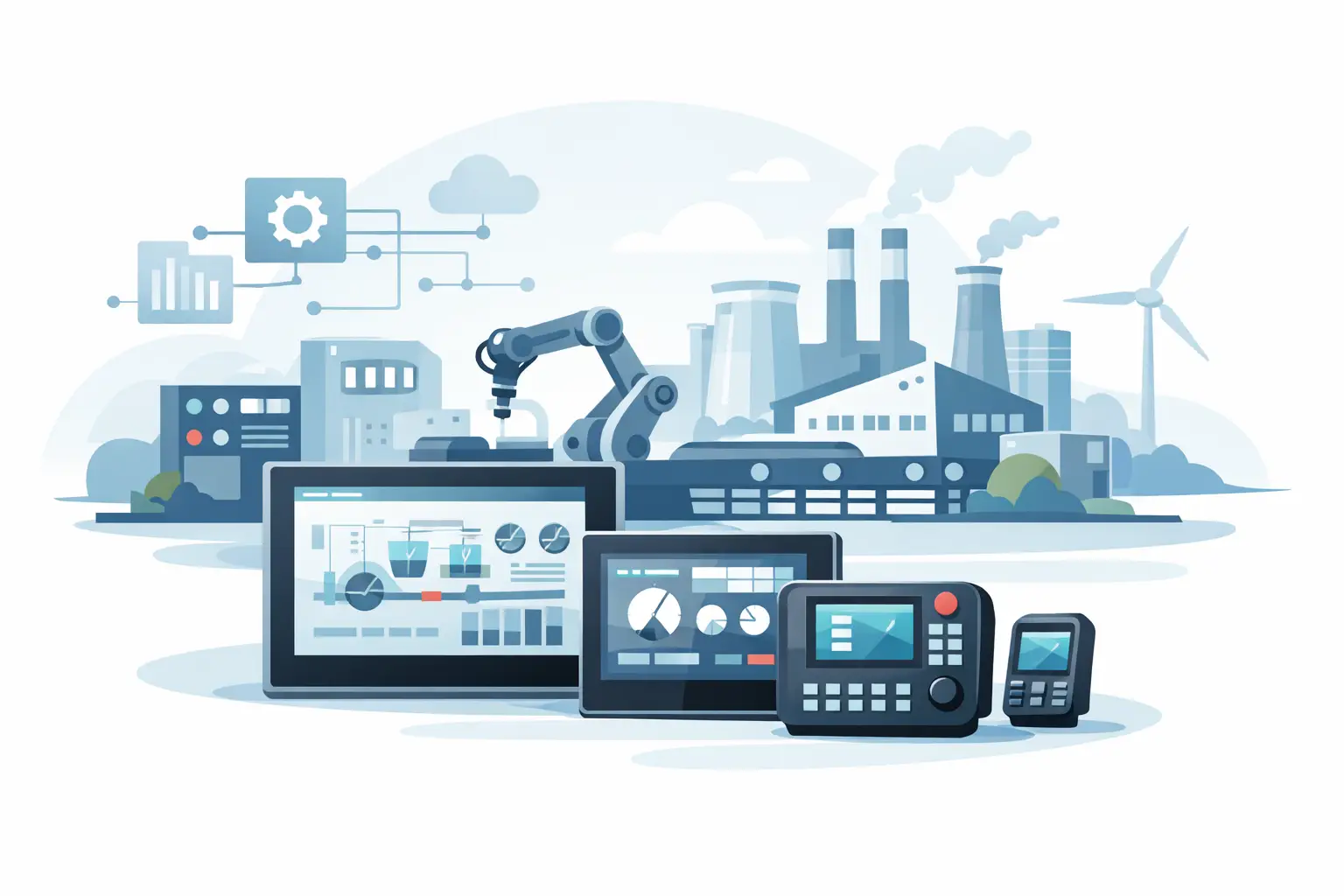
A failed operator interface can stop a machine even when the PLC, drives, and field devices are working correctly. This Siemens HMI review is written for buyers who need to assess a replacement panel, specify an interface for a new machine, or support an installed Siemens control system without creating compatibility problems.
Siemens HMI hardware is widely used in packaging, material handling, machine building, water and wastewater, food processing, and general manufacturing. Its main advantage is not that every panel is the right choice for every application. The advantage is the breadth of the ecosystem: basic panels for straightforward operator tasks, Comfort Panels for more demanding visualization, and industrial PCs or advanced platforms where a panel alone is not enough.
For industrial buyers, the practical question is usually narrower: which exact Siemens HMI family matches the existing engineering environment, communications requirements, mounting dimensions, and operating conditions?
Siemens HMI Review: Where the Product Line Fits
Siemens HMI products are generally strongest when they are paired with Siemens PLCs, especially SIMATIC S7 controllers. Integration through TIA Portal and WinCC reduces engineering friction when a machine already uses Siemens controls. Tags, alarms, user management, recipes, diagnostics, and communications can be handled within a familiar Siemens workflow.
That does not mean a Siemens panel should be selected automatically. A facility with mixed PLC brands, an established third-party SCADA platform, or a simple local operator station may find that another HMI architecture is easier to support. The correct decision depends on the plant standard, the technician skill base, and the cost of maintaining a separate engineering tool over the machine's service life.
For a Siemens-centered machine, however, the product range gives OEMs and maintenance teams practical options. Basic Panels are commonly used for compact, cost-conscious machines. Comfort Panels add higher-performance visualization, more extensive functions, and options suited to larger or more complex applications. Mobile panels and industrial PC-based solutions address applications requiring operator mobility, custom software, or broader data-handling capability.
Basic Panels: Practical for Standard Machine Interfaces
Siemens Basic Panels are often appropriate when the HMI must display process values, allow setpoint entry, provide alarms, and support routine machine operation. They are commonly selected for smaller equipment where the interface does not need extensive reporting, complex user structures, or advanced graphics.
The trade-off is capability. A Basic Panel can be a good fit for a conveyor, pump skid, compact packaging station, or auxiliary process unit, but it may be limiting for an application that needs detailed trend data, extensive recipes, multilingual operator workflows, or higher-level data exchange. Buyers replacing an existing panel should confirm the original panel family rather than assuming that any similarly sized Siemens touchscreen is a direct substitute.
Screen size, display type, operator controls, Ethernet capability, serial communications, and project compatibility all matter. A panel that physically fits the cutout may still require engineering changes or may not support the existing project as expected.
Comfort Panels: Better Fit for Complex Operations
Comfort Panels are generally the better fit for larger machines and process areas where operators need more information, more frequent interaction, or stronger diagnostic visibility. They are commonly used where the HMI must manage multiple machine sections, alarm histories, recipes, user levels, trends, and more detailed visualization.
The added capability comes with a higher hardware cost and can increase project complexity. That cost is justified when the panel helps operators identify faults faster or reduces setup errors during changeovers. It is harder to justify when the application only needs start, stop, reset, speed entry, and a small number of status screens.
For replacement projects, check whether the machine uses a standard Comfort Panel, a specific generation, or a configured panel with particular communications and software requirements. A newer unit may offer improvements, but it is not automatically a drop-in replacement for an older installation. Firmware versions, TIA Portal versions, WinCC project format, and controller communications should be reviewed before ordering.
Engineering and Lifecycle Considerations
The hardware is only part of the purchase. Siemens HMI selection is closely tied to the engineering environment. If the original machine program was built in an older version of TIA Portal or WinCC, the replacement process may require project migration, software access, license verification, or support from the OEM or controls integrator.
This is where emergency replacements can become expensive. A plant may identify a correct-looking HMI part number, install it, and then learn that the available backup project cannot be downloaded without a compatible software version or configuration changes. Keeping current backups of PLC and HMI projects, along with the associated software versions and passwords, reduces this risk.
Lifecycle status also deserves attention. Industrial automation hardware often remains in service long after an OEM has moved to a newer panel family. When sourcing a legacy Siemens HMI, buyers should determine whether the need is for an exact replacement, a supported successor, or a planned modernization. An exact replacement can minimize downtime, while a successor may improve long-term support but require engineering work.
A useful replacement review should confirm these items before a purchase order is released:
- Exact Siemens order number, including suffixes and interface variants
- Existing HMI family, display size, cutout dimensions, and power requirements
- PLC model and the communications protocol used by the machine
- Available HMI project backup, engineering software version, and access credentials
- Firmware expectations and any required memory cards, cables, or accessories
These checks are especially important for MRO teams working under time pressure. An incomplete part number or a missed communications detail can turn a same-day hardware replacement into a longer controls troubleshooting event.
What Siemens HMIs Do Well
Siemens panels are a strong choice for standardized Siemens automation environments. Controls engineers benefit from consistent integration with S7 PLCs and TIA Portal workflows. Maintenance teams benefit when a plant has established documentation, spare-part standards, and technicians familiar with Siemens diagnostics.
The product line also supports a clear progression from basic machine interfaces to larger, more capable operator stations. That helps OEMs maintain a common manufacturer standard while scaling the HMI to the application. For plants with many Siemens-controlled assets, standardization can reduce spare inventory variety and simplify training.
Physical industrial suitability is another practical consideration. These panels are designed for control cabinets and machine environments, but buyers still need to evaluate the actual installation: ambient temperature, washdown exposure, vibration, enclosure rating, sunlight, glove use, and required operator distance. A panel suitable for a clean electrical enclosure may not be the correct choice for a harsh processing area without the right enclosure design.
Limitations Buyers Should Plan Around
The Siemens ecosystem can create dependence on specific software, project files, and engineering knowledge. That is manageable when the plant has a Siemens standard and maintains its engineering assets. It becomes more difficult when a facility inherits equipment without backups, documentation, or software access.
Cost can also be a factor. A Siemens HMI may carry a higher initial price than a basic alternative, particularly when advanced functions are not needed. The lower-cost choice is not always the lower-risk choice, though. On a Siemens machine, selecting a nonstandard replacement can introduce conversion work, wiring changes, new programming, and technician training that exceed the original savings.
Availability is another variable. For downtime-critical repairs, verify the exact order number and determine whether the application can accept a successor model. Stock status, shipment timing, and condition requirements should be addressed before a failed panel is removed from service.
Buying Guidance for New and Replacement Projects
For a new machine, begin with the operator's actual tasks. A compact interface may be enough for a single-station machine with basic alarms and setpoints. Choose a larger or more capable panel when operators need recipe control, detailed fault guidance, production data, or multi-zone navigation.
For a replacement, begin with the nameplate, not the screen size. Capture the full Siemens part number, photograph the rear connections and mounting arrangement, and verify the controller model. Then confirm whether the existing HMI project is available and whether an exact replacement is required. American Automation 24 can help buyers identify Siemens automation components by part number when a maintenance purchase requires fast, structured sourcing.
The best Siemens HMI purchase is the one that restores or supports machine operation without adding avoidable engineering work. Match the panel to the control architecture, preserve the project files that make it usable, and treat compatibility details as part of the part number, not as an afterthought.